Build Your Own Baby Chatbot!
You're going to work with ChatGPT (or the of your choice: Gemini, Claude..whatever) to build a "baby LLM."
Remember: an LLM is basically a function that takes text in, does something to it, and puts new text out:
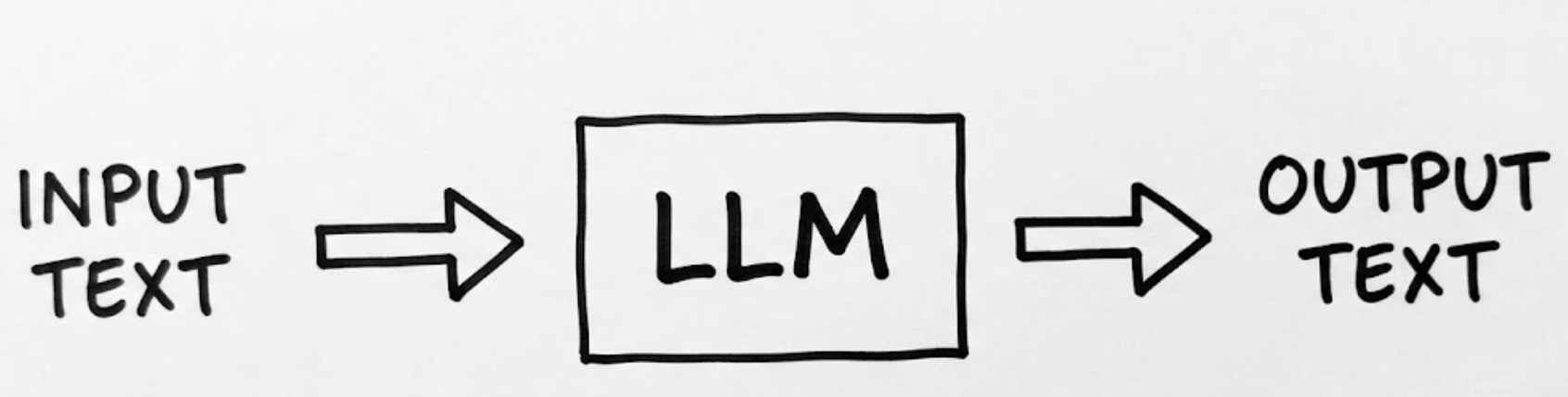
Today you'll build the simplest possible version of that, an ancestor of ChatGPT called a Markov text generator, and end up with a small app running on your own computer.
By the end you will have:
- Learned what a Markov text generator is (by interviewing ChatGPT) — you essentially made your own tutor!
- Simulated one inside ChatGPT using your own training text
- Downloaded a working app you built without writing a line of code
Part 1: Discover a primitive algorithm (5–7 min)
Ask ChatGPT to explain what a Markov text generator is. You can keep this part relatively short if you want, but feel free to dive as deep as you want.
Prompting tips (these patterns can work whenever you’re writing prompts!)
- If the explanation runs long, ask for the TLDR (“too long didn’t read”), or say something like "in 3 sentences."
- If part of the answer confuses you, copy that exact sentence, paste it into your next prompt, and ask it to go deeper on just that.
- You can always try "explain it like I'm 5"
Question to try: "What's the difference between a first-order and second-order Markov text generator?"
Along the way, make sure you also ask what training text means. You're about to need some. What does corpus mean?
Part 2: Simulate it in the chat (10 min)
Now ask ChatGPT something like:
"Can you act as a Markov text generator for me? What do you need from me to do that?"
- If it starts helping you write Python or wants you to code, redirect it: "I don't want to write code: can we just simulate it right here in the chat? What do you need?"
- It needs training text. Paste some in: your sent emails, a Wikipedia article, a news story, or grab a chapter from a free book at Project Gutenberg.
- Then play: ask it to generate 20 words, then 100. Have it show you the results from a first order versus second order configuration. Try different training text. Notice how the output sounds like your source but doesn't necessarily mean anything.
Part 3: Download it as a real app (10–15 min)
Time to take it out of the chat and onto your machine. Ask ChatGPT:
"Build me a Markov text generator as a single HTML file using JavaScript — one complete file I can download, save, and open immediately. No external libraries."
- Save the file somewhere you can find it (Desktop is fine).
- Double-click it. Does it open in your browser? Does it work as expected?
- If something's broken, don't fix it yourself: copy the error or describe what happened, paste it back to ChatGPT, and ask for a fix. You could even take a screenshot and send that to ChatGPT. This is how people actually work with AI.
- Ask for refinements. Did it give you a way to choose the output length? If not, request one.
- Make it yours: change the background color, the fonts, the title. Make it so you can paste in different training text. You're now revising software by asking for what you want.
What you just did
You built and customized a working app without writing code, and your app demonstrates the core idea behind LLMs themselves: predict the next word. Your generator does it with a simple lookup table; AI chatbots like ChatGPT does it with a giant neural network. Notice your app's output flows nicely but says nothing true; when an AI Chatbot confidently makes something up (a hallucination) you're seeing the polished version of exactly that.